![CoudDepot_LOGO_RGB.png]](https://kb.clouddepot.com/hs-fs/hubfs/CoudDepot_LOGO_RGB.png?height=40&name=CoudDepot_LOGO_RGB.png)
Your customers enter the secure online portal by clicking a encrypted URL that is sent to them via the following methods:
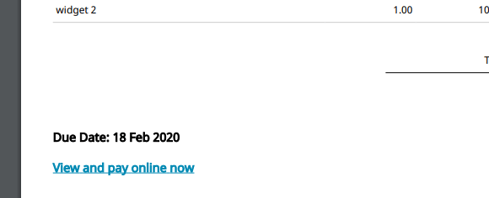
Through the Xero invoice template:
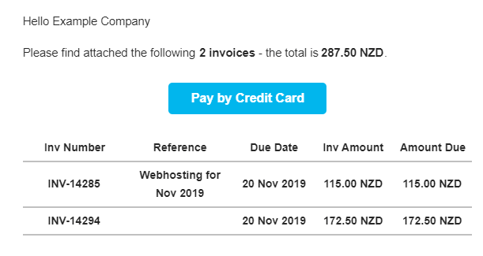
Through the Pay Online Email generated by Cloud Depot that is sent to the customer:
Or through a URL embedded in your accounts emails to your customers.
Note: The URL can be white labelled to show your company's logo.
Customer Portal Page
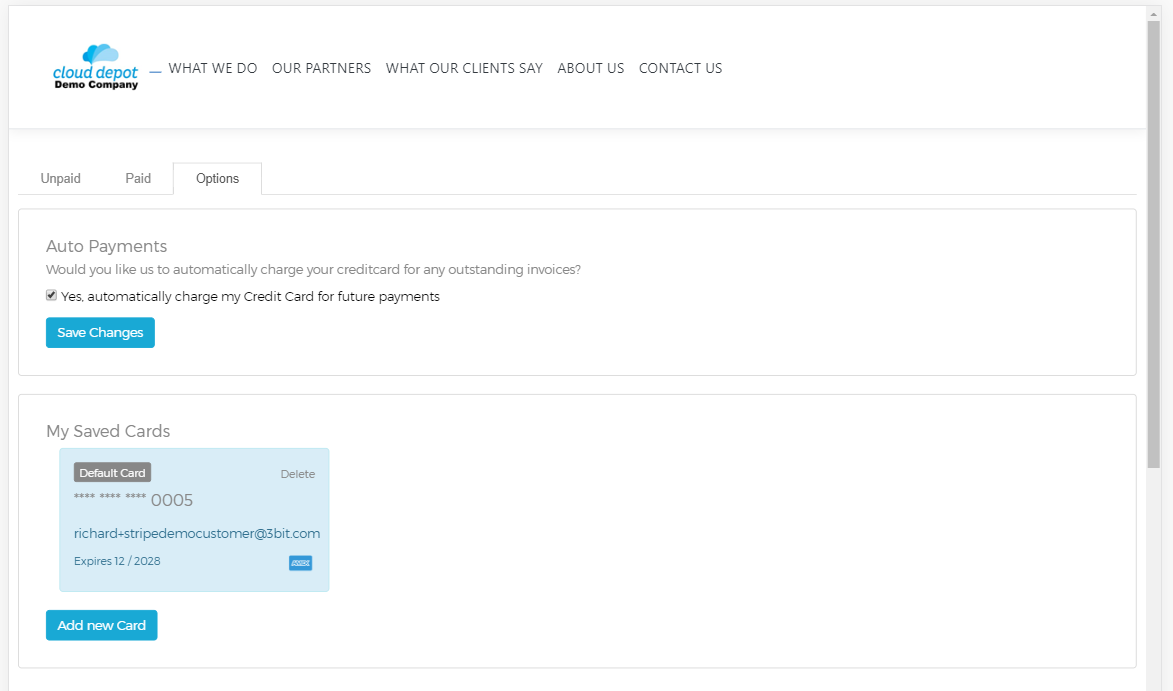
The Customer Portal page has three tabs: Unpaid, Paid and Options.
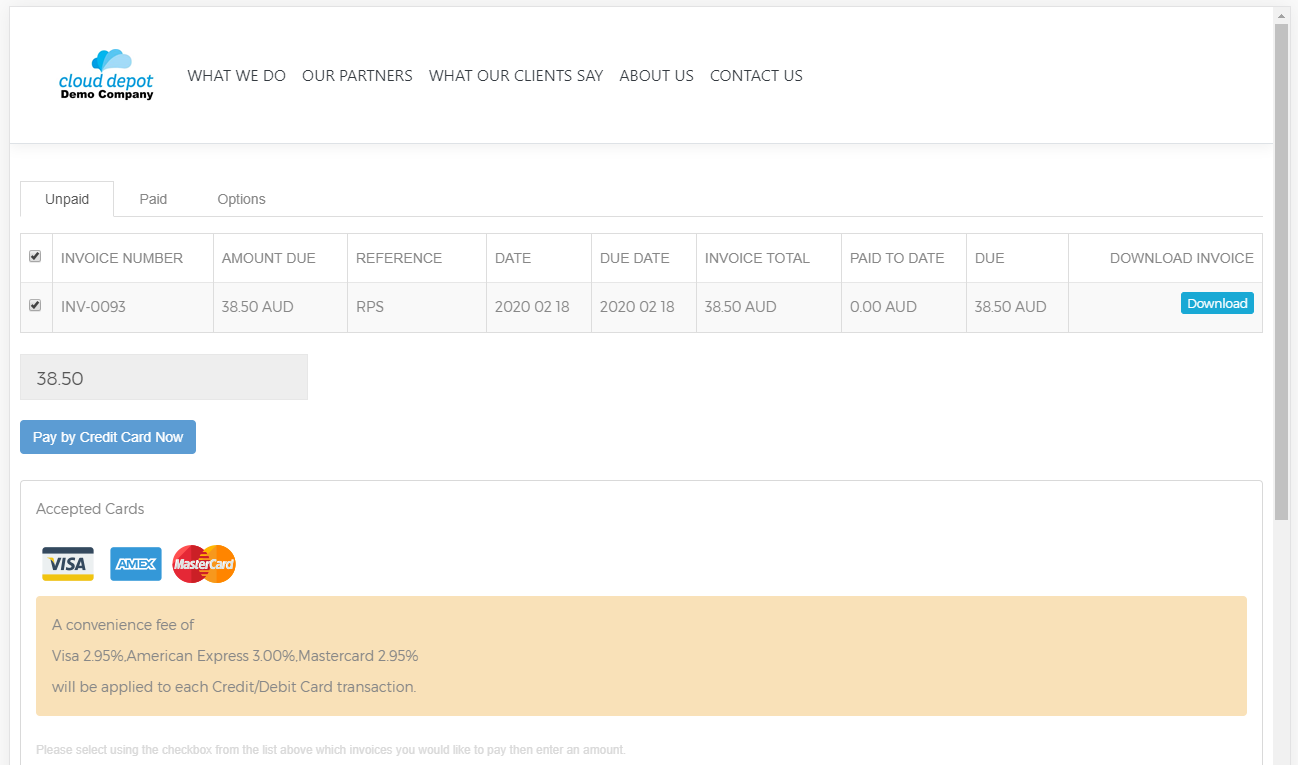
Tab Unpaid
- All outstanding invoices are displayed
- Ability to download a copy of the original invoice
- Accepted Cards and the surcharges (if applicable)
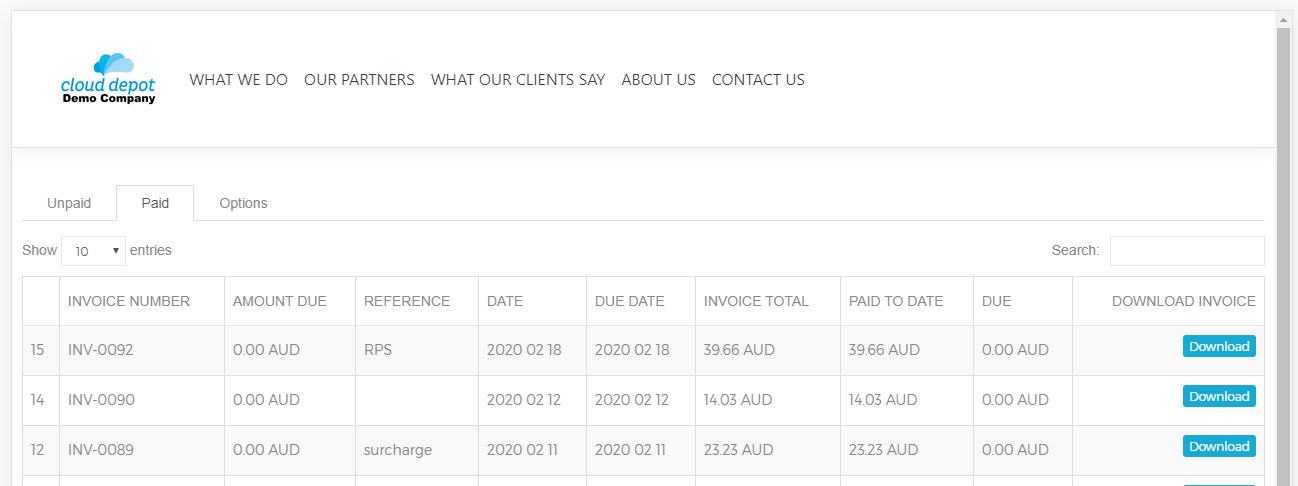
Tab Paid
- Paid invoices are displayed (limited to the most recent 50 invoices for that customer)
- Ability to download a copy of the original invoice using the blue Download button
Tab Options
- Ability for the customer to turn on and off Auto Payment
- Ability to add/remove and set default Credit Cards
These features can be configured not to show in the Cloud Depot RPS setup
For information on how to set this up, click here.